
From Market Open to Withdrawal
We Get You There.
Explore the AiO Software on TradingView, with trading alerts, chart levels, training, and optional daily live calls. Compare Traders Compound memberships.
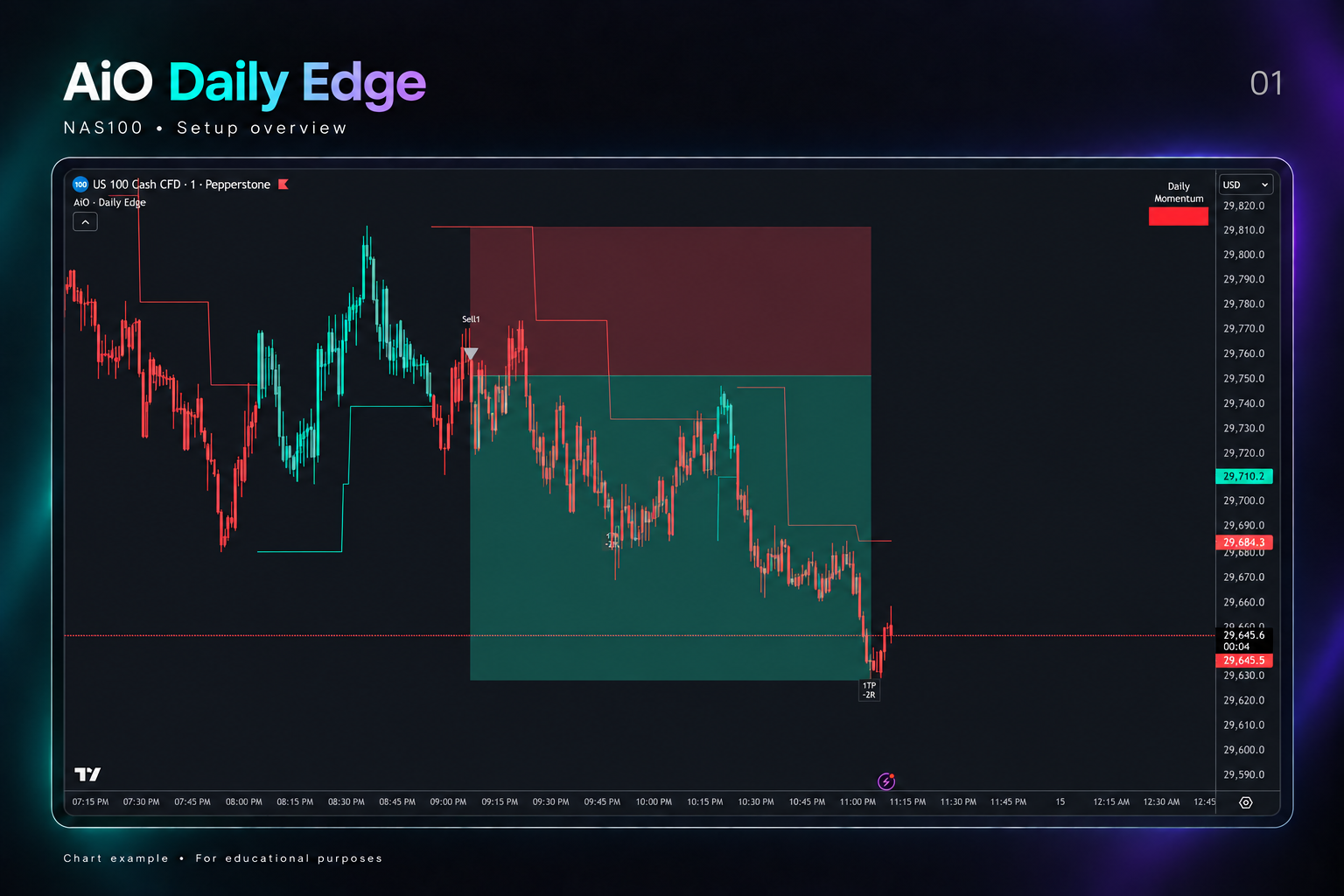
AiO Daily Edge
More structure behind every trading decision.
Bring alerts, trade levels, and daily momentum together directly on your TradingView chart.
Buy & Sell Alerts
Identify potential setups with clearly labeled alerts.
Defined Trade Levels
View entry, stop-loss, and take-profit levels.
Daily Momentum
See the market’s bullish or bearish daily momentum at a glance.
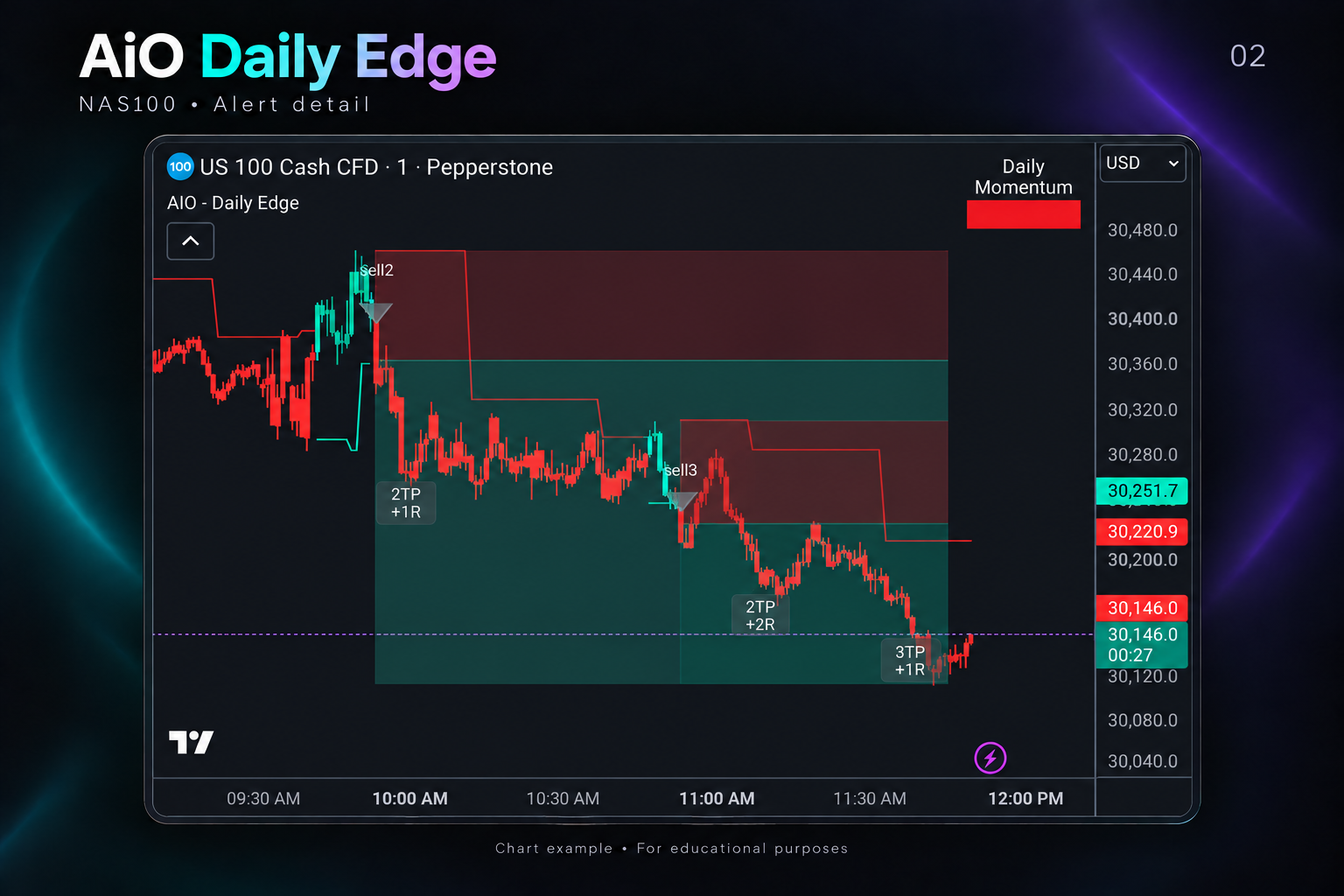
AiO Daily Edge
Understand the setup.
AiO Daily Edge organizes the details of each setup so you can review the opportunity and plan your approach.
Numbered Alerts
Distinguish between individual buy and sell setups.
Linked Take-Profit Labels
Match target updates to the alert they belong to.
Entry & Stop-Loss Levels
Evaluate the distance between entry and risk before making your decision.
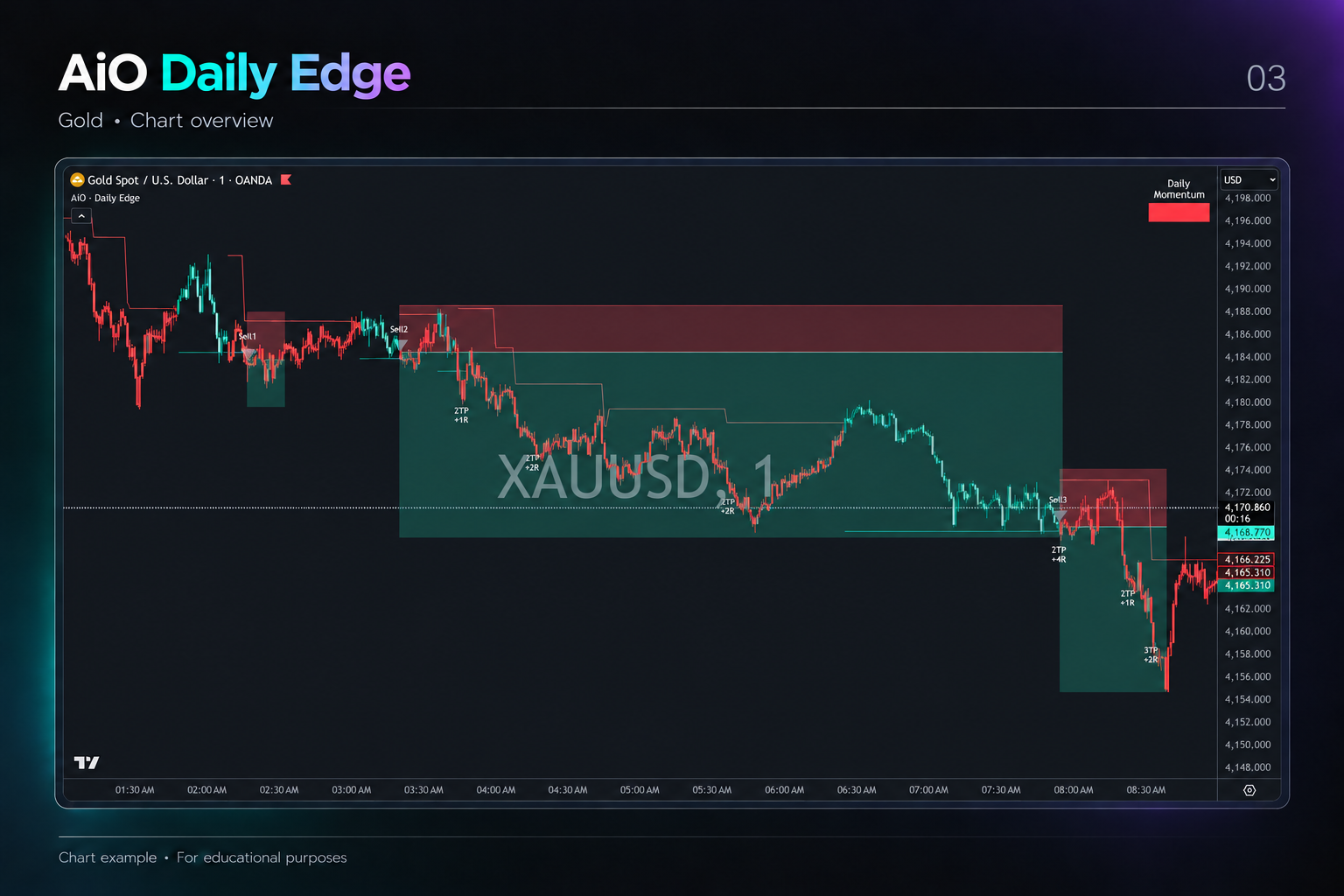
AiO Daily Edge
See the bigger picture.
Bring price movement and momentum into one view to support your analysis of markets such as Gold and NAS100.
Daily Momentum Display
Check the broader daily direction alongside your trading timeframe.
Protected Zones
View marked areas that can help inform entry and trade-management decisions.
On-Chart Levels
Review alerts and marked levels alongside price as the session develops.
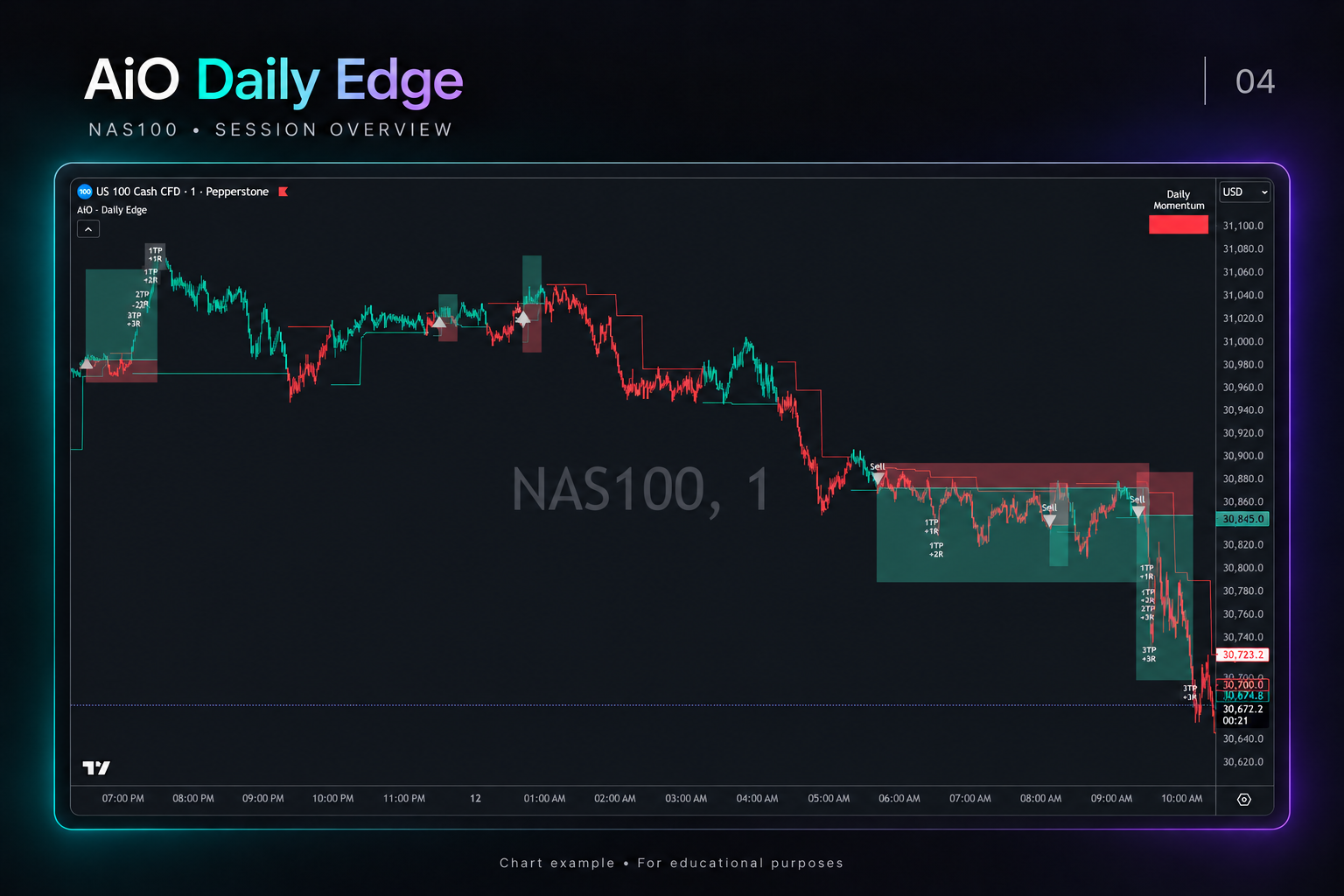
AiO Daily Edge
More than software.
Tools, training, and a community to help you get set up and understand AiO Daily Edge.
Software Access
Use AiO Daily Edge directly within TradingView.
Training & Q&A
Learn how to read alerts, interpret levels, and use the settings.
Private Community
Ask questions, share observations, and connect with other traders.
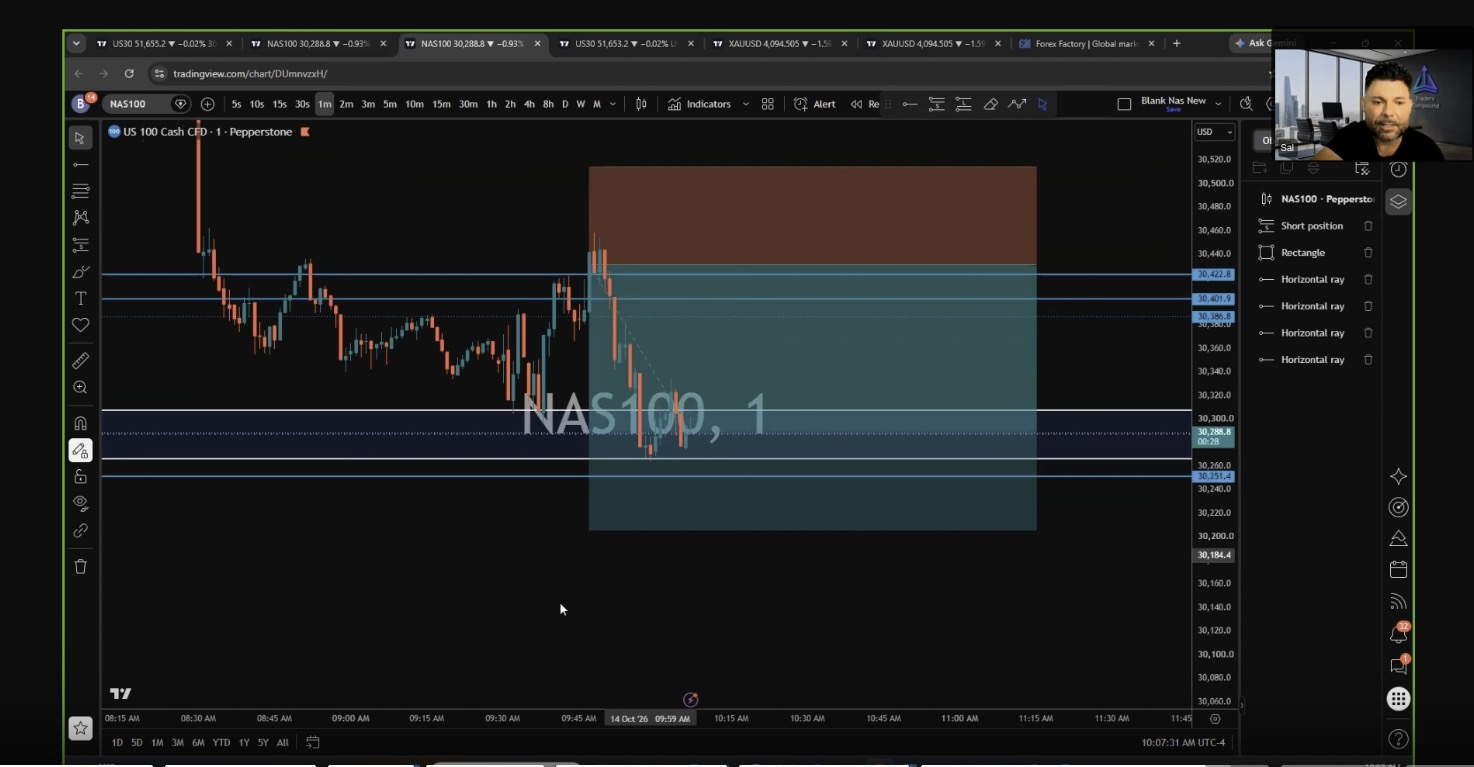
Daily Live Trading Calls
See the plan behind the trade.
Join us live to see how we read the market, map key levels, and approach potential setups as they develop.
Follow the analysis
Understand what we’re watching and why a price level matters.
See the trade structure
Review entry areas, stop losses, and targets with the chart in front of you.
Learn when to wait
See why patience and passing on a setup can be part of the plan.
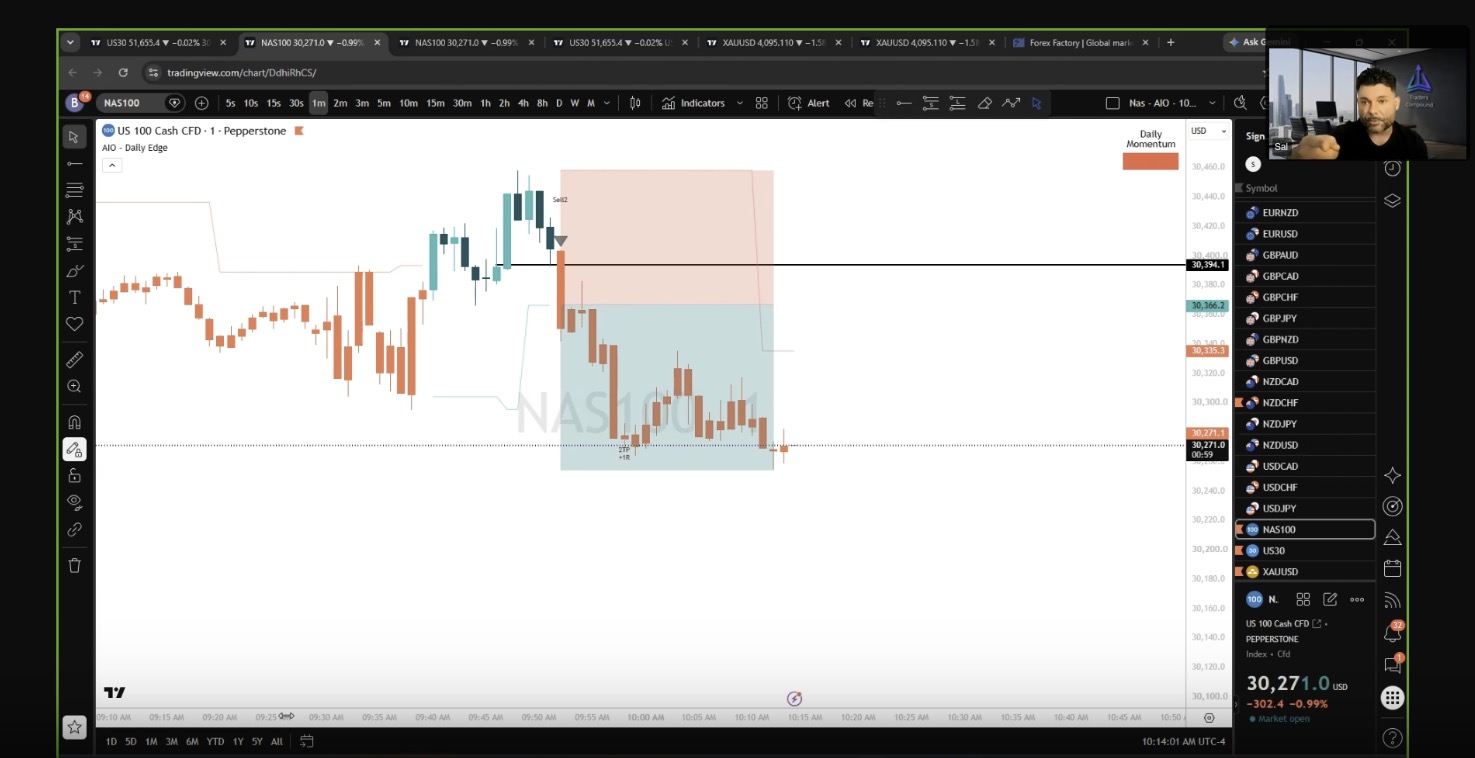
Live Calls + AiO Daily Edge
Understand the alert. See the context.
See AiO on a live chart and hear the reasoning behind the setup—so the alert becomes part of your analysis.
Put alerts in context
Follow AiO signals alongside price action and Daily Momentum.
Check the entry
See whether price is still near the planned area or has already moved away.
Build your own process
Use what you learn to decide whether a setup fits your plan and risk limits.
Testimonials
Listen to what our valued members have to say!
Start here · Free 8-page guide
Not ready to join? Start with a clearer entry plan.
An alert appears. Price moves. Now what? Get Stop Chasing Entries and use a simple checklist to decide whether to enter, wait for a pullback, or skip the trade.
Before you click, check these three things.
- 01Is price still near the original entry?
A large candle may have moved it away. A pullback means waiting for price to come back toward that entry area. - 02Does the trade still fit your plan?
Review your risk, the room to your target, spread, slippage, and your session rules. - 03Enter, wait, or skip?
You do not have to take every alert. Use the checklist to make your own decision.
Get Stop Chasing Entries
Chart examples, a dollar-risk example, a printable checklist, and a five-setup scorecard—sent to your inbox.
Educational content only. Trading involves risk. Practice in demo or replay before risking money.
Membership Access
Add daily live calls for $60 more per month with monthly billing.
AiO Trade Alerts
TradingView software, alerts, training, and private community access.
$139 / month
Due today: $139 + applicable taxes and fees
Renews at $139/month + applicable taxes and fees.
Save 10% annually — $168.01 less per year
$1,499.99 / year
Due today: $1,499.99 + applicable taxes and fees
Savings compared with 12 monthly payments. Paid in full today. Renews annually at $1,499.99 + applicable taxes and fees.
What you get
- Our custom advanced software indicators on TradingView for daily trades
- Private inner circle community chat with software creator Sal Leto
- Two live software training and Q&A calls weekly
- Advanced teachings and mentorship
Secure checkout through Whop. A paid TradingView account is required. Final total, including any applicable taxes and fees, is shown at Whop checkout before you pay.
AiO + Live Calls
Everything in AiO Trade Alerts, plus daily live trading calls with real-time market analysis.
$199 / month
Due today: $199 + applicable taxes and fees
Renews at $199/month + applicable taxes and fees.
Save 10% annually — $238.80 less per year
$2,149.20 / year
Due today: $2,149.20 + applicable taxes and fees
Savings compared with 12 monthly payments. Paid in full today. Renews annually at $2,149.20 + applicable taxes and fees.
What you get
- Everything in the AiO Trade Alerts membership
- Daily live trading calls with real-time market analysis
- Walkthroughs of entry areas, stop losses, and targets
- See how AiO alerts connect with current price action
- Learn the reasoning behind taking a setup—or waiting
Secure checkout through Whop. A paid TradingView account is required. Final total, including any applicable taxes and fees, is shown at Whop checkout before you pay.
Where everything happens
Your software, community, tutorials, and live sessions—clearly organized.
Your software
TradingView
Use AiO Daily Edge alerts, chart levels, and daily momentum directly on your charts.
Your community
Discord
Connect with members, ask questions, and join the conversation in our private community.
Your member hub
Whop
Watch tutorial videos and manage your membership, access, and billing in one place.
Your live sessions
Zoom
Join the training and live sessions included with your membership. Daily live trading calls are included with AiO + Live Calls.
Getting started is simple
Join through Whop, then follow your welcome email instructions to access your software, tutorials, and community. Your membership includes the session links and setup details you need.
Safe and Secure Checkout through Whop.com
Sign up and cancel easily from Whop.com. All subscriptions and payments are processed by Whop Merchant. Trade at your own risk.
Frequent questions
Choose your membership and complete checkout through Whop.com. Then check your inbox for your Traders Compound welcome email with the next steps to set up your access.
You will need a paid TradingView account for the software and a free Discord account for the community. Follow the setup instructions to connect your accounts.
All billing and payments are handled through Whop. If you need help getting started, submit a ticket—our support team is happy to help.
AiO Trade Alerts Membership — $139/month
Choose this plan for AiO software, our private community, and two live software training and Q&A calls each week. Daily live trading calls are not included.
AiO + Daily Live Trade Calls Membership — $199/month
Choose this plan for everything in AiO Trade Alerts, plus daily live trading calls with real-time market analysis.
Both plans include support to help you get set up. Choose based on whether you want to join the daily live trading calls.
Our Exclusive Membership Platform subscription gives you access to powerful tools that work seamlessly across every market on TradingView—whether it’s stocks, crypto, forex, or commodities. You can use them on any timeframe, from quick 1-minute charts to daily and higher.
It is built to support multiple trading approaches—scalping, swing trading, or long-term—helping you uncover valuable insights no matter how you trade.
Our software is fully hosted on TradingView, giving you a reliable, secure, and seamless experience right inside the industry’s leading charting platform.
No trading system or strategy can guarantee a 100% win rate. Losses are a natural part of trading. Our tools are designed to increase your probability of success by helping you identify high-quality setups with strong risk-to-reward ratios, so you can stay consistent and profitable over time.
Yes. While having some basic trading knowledge helps, our live indicator calls truly make the product stand out. They guide you in understanding the platform more deeply and give you the chance to ask questions and get direct answers in real time.
Yes. You can adjust your plan whenever you’d like. If you’re ready to take things further, you can upgrade to include our $199 membership—giving you full access to the daily live coaching calls with our traders and the opportunity to take your trading to the next level.
You can cancel your Exclusive Membership at any time through Whop.com.
Steps to cancel on Whop:
- Log in to your account at whop.com.
- Go to Dashboard → Memberships.
- Select your Trader’s Compound membership.
- Click Manage → Cancel Membership and confirm.
If you need help, you can reach Whop support directly via:
- Live chat on whop.com
- Email: support@whop.com
Have questions about AiO or our live trading calls?
Submit a ticket—we’re happy to help.